
GT Budget Tool
Available in California, Connecticut, Maine, Minnesota, North Carolina, and Washington, D.C.
A woman looks at the Spending Plan Generator on her tablet.
Budgets
Made Simple
With the GT Budget Tool (formerly called the Spending Plan Generator), you can make your spending plan in as easy as 1, 2, 3. For free.
Ready to make your budget? You’ve come to the right place. We’ve custom-built the GT Budget Tool with self-determination in mind. If you’re tired of trying to create your spending plans from scratch, it’s time to use the GT Budget Tool.
Available in California, Connecticut, Maine, Minnesota, North Carolina, and Washington, D.C.
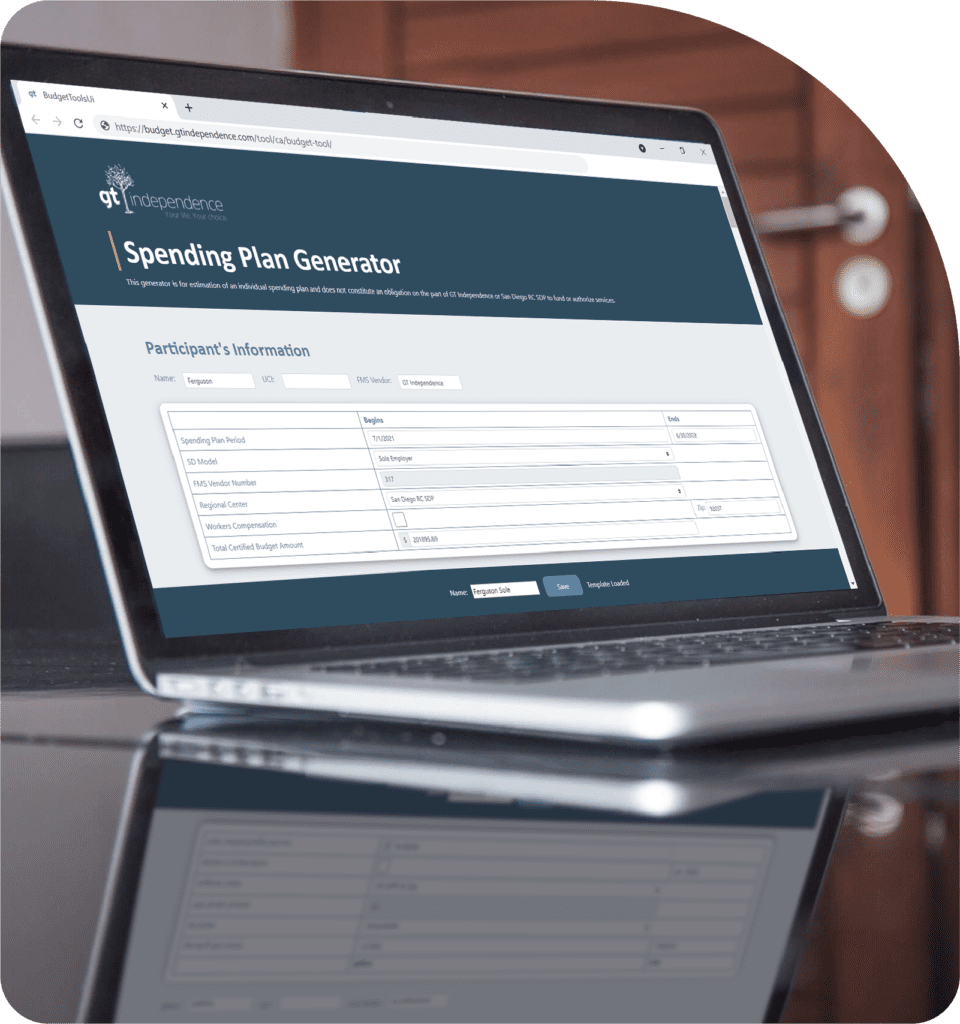
Build a Budget in 10 Minutes
Slogging through spreadsheets is in the past. With the GT Budget Tool, you can build a working budget in 10 minutes–right on your laptop or desktop.
Save and Edit Your Budget
By signing up for a free GT Tool account, you can save your budget on your GT Tools dashboard to share, print, and edit.
Free for Everyone
Why share this for free? Because here at GT, we’re passionate about self-determination, and we want you to have best tools right at your fingertips.
Create Your Free GT Tools Account
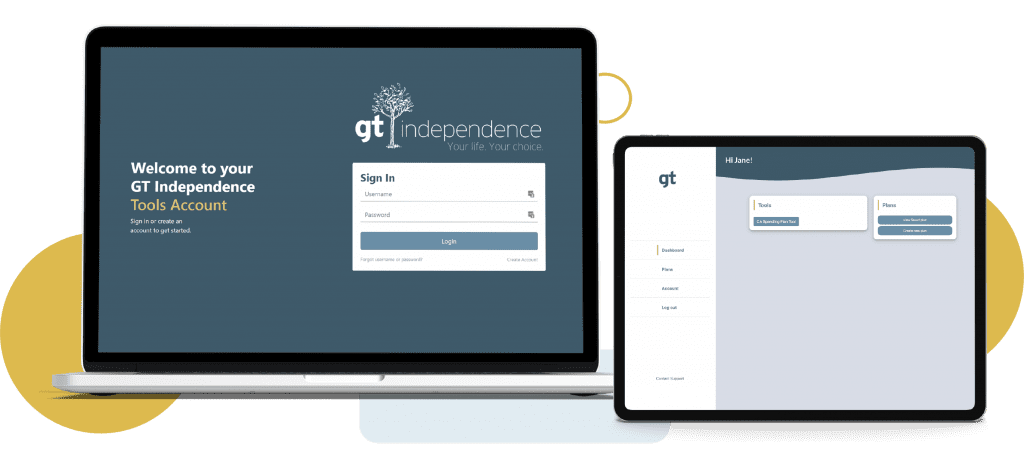
The GT Budget Tool (formerly called the Spending Plan Generator) is available for everyone to use. You don’t have to be a GT Independence participant to create a free account and use the Spending Plan. Follow three steps to get started.
Create a free GT Tools account at budget.gtindependence.com
Sign into your GT Tools account, and select the GT Budget Tool on the dashboard
Select Create New Plan and get started
Want to use the GT Budget Tool on mobile?
We’re working hard to get the GT Budget Tool ready for smartphone and tablet. For now, you can easily access the GT Budget Tool by logging into your GT Tools account on any laptop or computer.
Have suggestions for updates?
Your opinion is important to us. We want to continue updating the GT Budget Tool so it meets your needs. If you have any suggestions for improvements, please get in touch.
Contact Us

Terrasel Jones
Phone: 1.213.200.3641
Office: 1.877.659.4500
Email: tjones@gtindependence.com